






Most “AI video editors” add AI to a single step: a caption button, a silence remover, a background eraser. The ones worth paying for do the editing work themselves. You give them a goal, like a rough cut of today’s interview, and they return a working edit you can open and change. This guide ranks six tools that pass that test, judged on what each does from one instruction, whether the result stays editable, and what it costs. Features and prices were checked in October 2026 against company pages and recent coverage, and they change often.

At a Glance
| Tool | What it does for you | Free option | Starts at |
|---|---|---|---|
| Invideo Editor | Logs footage, builds a first assembly, cuts to the beat, matches a reference edit | Manual timeline free | $20/mo for agent plans (US, UK, Japan) |
| Selects | Edits from chat or a pasted link, syncs multicam, hands off to pro editors | Free plan | $20/mo ($16 billed yearly) |
| Descript | Underlord co-editor on top of text-based editing | Free plan | $16/mo billed annually |
| Loopdesk | Runs multi-step edits and batch edits in the browser | No free plan | $19/mo ($15 billed annually) |
| Adobe Firefly Quick Cut | Builds a first edit from a text description | Depends on Firefly plan | Firefly plans (credit-based) |
| Reap | Turns long videos into clips, captions and dubs from a prompt | Free plan (1 hour) | $9.99/mo billed yearly |
How to Tell Whether an AI Editor Actually Edits for You
Four quick tests separate real editing from AI features. Does it work from a goal instead of a button? Does it handle more than one stage, such as assembly, pacing, captions and audio? Does it look at your footage, not only the transcript? And does the result land somewhere you can change it? A tool that passes all four saves hours. One that passes only the first leaves you cleaning up its output.
1. Invideo Editor (Best Overall)
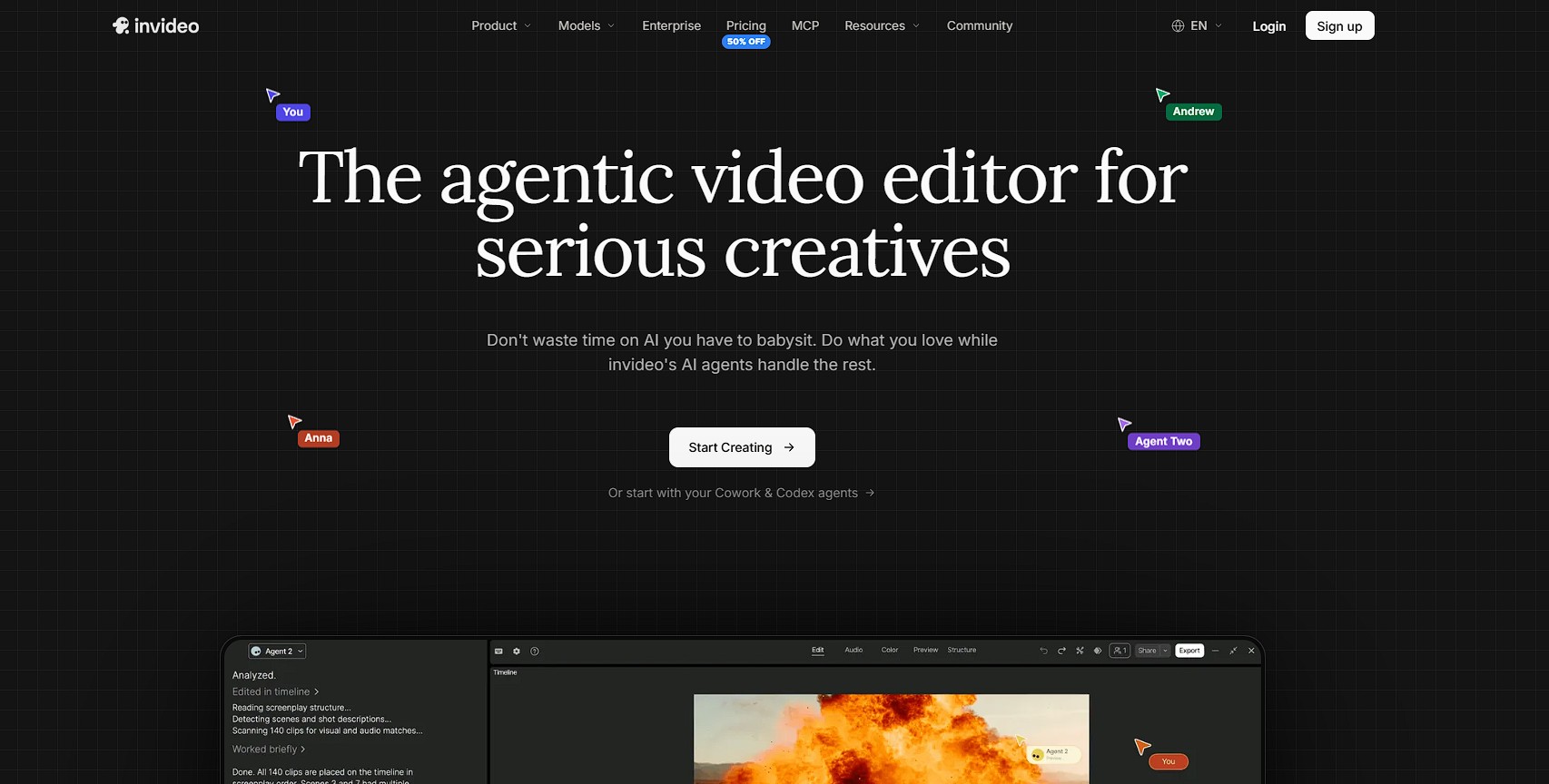
Invideo Editor does the slow, repetitive parts of editing for you. Its AI agents watch all your clips, pick the best takes and put together a first version of the video. They can also cut the video to a music beat, or copy the pace of another video you like.
You can ask for more, too, like syncing several cameras, finding a moment in your footage, fixing colors and sound, or making shorter cuts and versions in other languages. Everything appears on a normal editing timeline, so you can change anything yourself.
Pricing: The manual timeline is free to use. Paid plans for agent work start at $20/month in the US, UK and Japan, agents use credits, and pricing varies by region.
2. Selects (Best for Chat-to-Edit and Pro Handoff)

Selects is an AI video editor you talk to. Say what you want, or paste a link to a video you like, and it rebuilds that video’s cuts, pacing, captions and effects around your footage. It analyzes shots, faces and best takes rather than only the transcript, and it syncs multicam footage and switches angles on its own.
Every result opens on a real timeline, and projects hand off to Premiere Pro, Final Cut Pro, DaVinci Resolve or Avid. It runs as a desktop app and connects to Claude Code, Claude Desktop, Codex in ChatGPT and OpenClaw over MCP.
Pricing: The Free plan is a full video editor with captions, effects and handoff. Starter is $20/month ($16/month billed yearly) and adds footage analysis and AI generation credits; Pro is $100/month ($80/month billed yearly).
3. Descript (Best for Talking-Head and Podcast Edits)
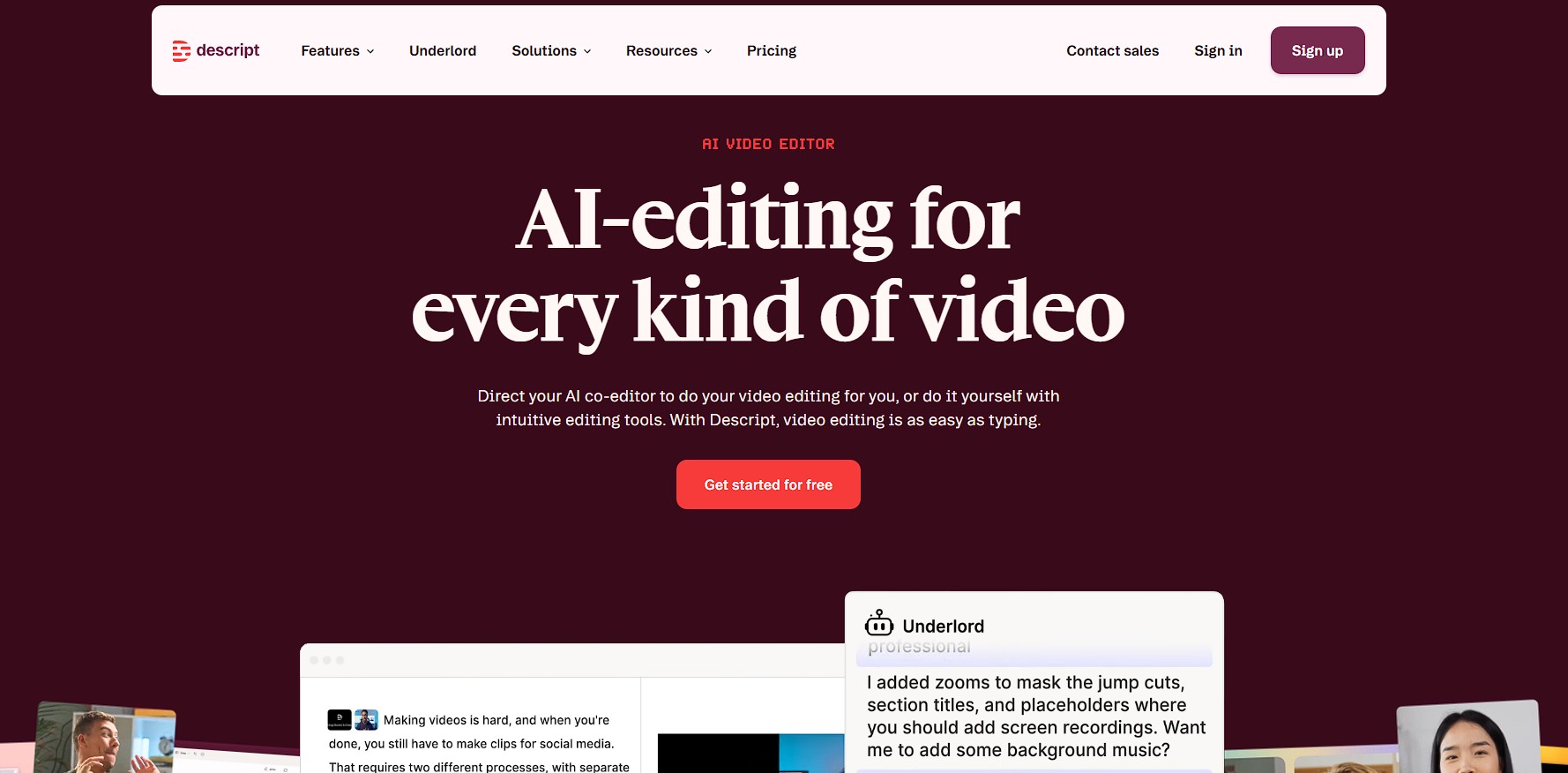
Descript’s Underlord is an AI co-editor that can inspect a project and carry out multi-step edits. Descript says it reads your script, watches your video and decides what to do next, then takes feedback and redoes work as many times as you want.
It sits on top of text-based editing, where deleting words from a transcript cuts the video, plus filler-word removal and Studio Sound for audio. Descript runs on Mac, Windows and the web with no mobile editing app, and its AI features spend monthly credits.
Pricing: The Free plan has 60 media minutes a month, 720p exports with a watermark and limited Underlord. Hobbyist is $16/month billed annually ($24 monthly); Creator is $24/month annually ($35 monthly) and adds 4K and full Underlord.
4. Loopdesk (Best for Batch Editing in the Browser)
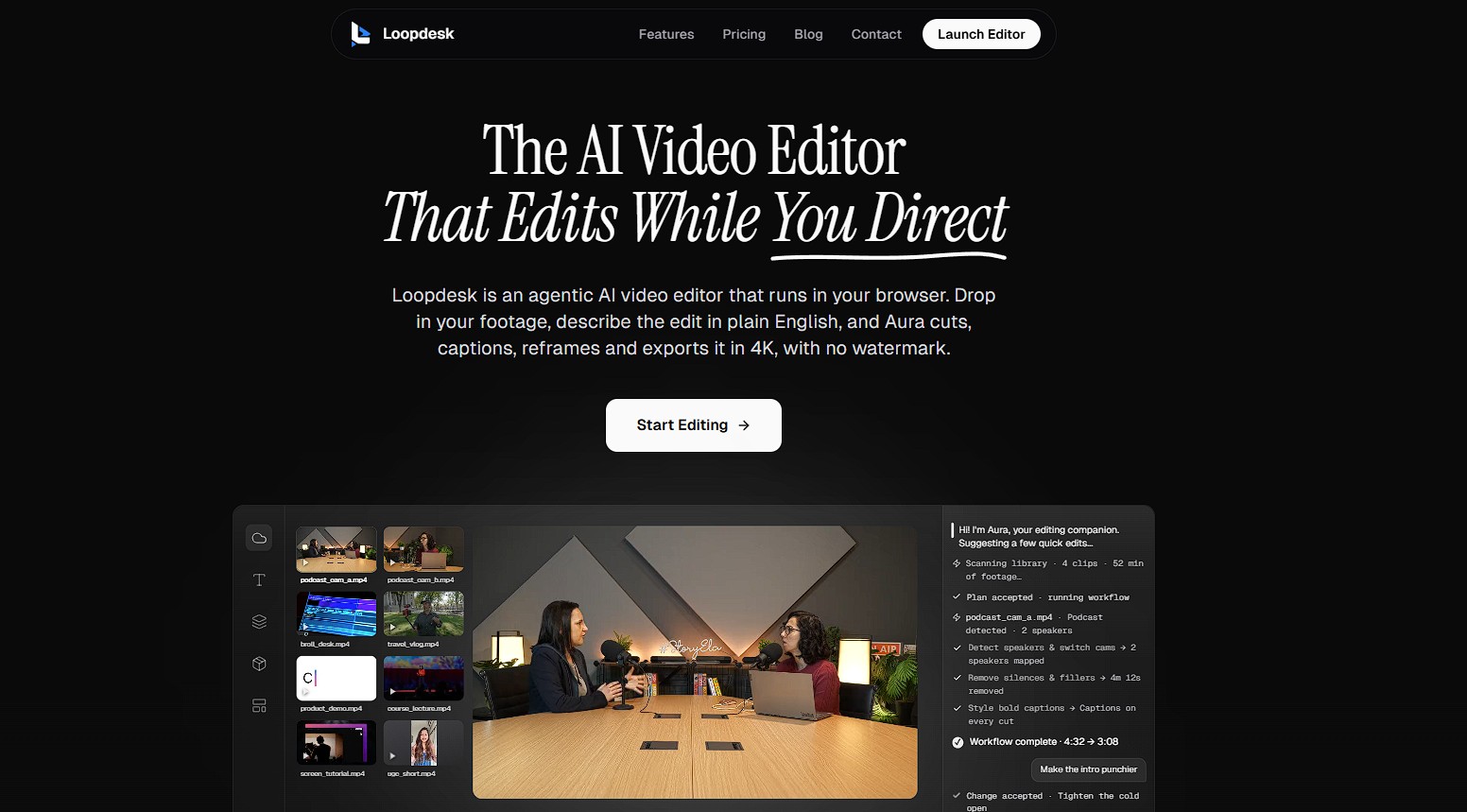
Loopdesk is an agent-first editor that runs entirely in the browser. Its agent carries out multi-step instructions in plain English, such as removing silences and filler words, cutting a rough edit, switching between speakers on multicam footage, pulling highlight clips and adding captions in 108 languages.
Loopdesk says a single instruction can batch edit 50 or more videos at once, with 4K exports and no watermark. By its own account, deep manual keyframing and compositing still belong to professional editors, and it needs an internet connection.
Pricing: No free plan. Creator Lite is $19/month, or $15/month billed annually.
5. Adobe Firefly Quick Cut (Best for Adobe and Firefly Users)
Quick Cut in the Firefly Video Editor builds a narrative-first first edit from a text description, working out whether your material is an interview, product demo or vlog. You can upload footage or generate clips inside Firefly, add a shot list or script, set the aspect ratio, pacing or a target duration, and keep supporting footage on a separate B-roll track.
The result is a starting point you refine with conventional editing controls. Quick Cut launched in beta in February 2026 inside Firefly’s browser-based editor.
Pricing: Included with Adobe Firefly plans, which are credit-based. Check Adobe’s Firefly pricing page for current tiers.
6. Reap (Best for Clips and Dubs From Long Videos)

Reap turns a YouTube link or a long recording into publish-ready clips from a prompt, with animated captions in 100+ languages and AI dubbing in 80+ languages. It also reframes clips to 9:16, 1:1 or 16:9 and can publish and schedule them to TikTok, Reels and Shorts.
It focuses on repurposing: you describe the result and get clips back, with text-based editing available for manual fixes. It also connects to AI agents such as Claude Code through an MCP server, using a Reap API key.
Pricing: The free plan includes 1 hour of processing. Paid plans start at $9.99/month billed yearly ($16.99 month to month).
Which One Should You Use?
- Want agents that do the grunt work on a real timeline you control? Invideo Editor.
- Want to talk to your editor and finish in Premiere, Final Cut or Resolve? Selects.
- Editing mostly people talking? Descript.
- Need to run the same edit across many videos? Loopdesk.
- Already working in Adobe Firefly? Quick Cut.
- Cutting long videos into short clips and dubs? Reap.
Bottom Line
A real AI editor does more than add a feature to your timeline. It takes a goal, does the mechanical passes, and leaves the creative calls to you. Among these six, the clearest differences are where the work lands and what you control afterward: Invideo Editor and Selects hand you a timeline you can change, Descript builds on the transcript, Loopdesk is built for repeatable batch work, Quick Cut fits the Adobe ecosystem, and Reap specializes in repurposing. Start with the one that matches the job you repeat most.
Frequently Asked Questions
What does it mean for an AI video editor to “actually edit”?
It works from a goal instead of a single button. You describe the result, such as a rough cut with captions, and the tool does several editing steps and returns something you can open and change, rather than applying one effect for you to place yourself.
Are there free AI video editors that edit for you?
Several have free options. The manual timeline in Invideo Editor is free to use, Selects and Descript have free plans, and Reap’s free plan includes 1 hour of processing. Loopdesk has no free plan, and Adobe’s Quick Cut depends on your Firefly plan. Agent features are usually limited or credit-based on free tiers.
Will I lose control of my edit?
Not with the better tools. Invideo Editor and Selects open their results on a real timeline you can change by hand, and Selects also hands projects to Premiere, Final Cut, Resolve or Avid. Check that any tool you choose lets you adjust the result, not just export it.
Can I use these tools from Claude or ChatGPT?
Some connect to the assistants you already use. Selects works with Claude Code, Claude Desktop, Codex in ChatGPT and OpenClaw, and Invideo Editor connects to Claude, ChatGPT, Claude Code, Codex and Cursor through its Remote Agents setup.
Can AI replace a human editor?
It replaces the mechanical passes, such as logging footage, assembling a first cut, removing silences and syncing angles. The story, pacing and taste decisions still benefit from a person, which is why the best tools keep the result editable.


